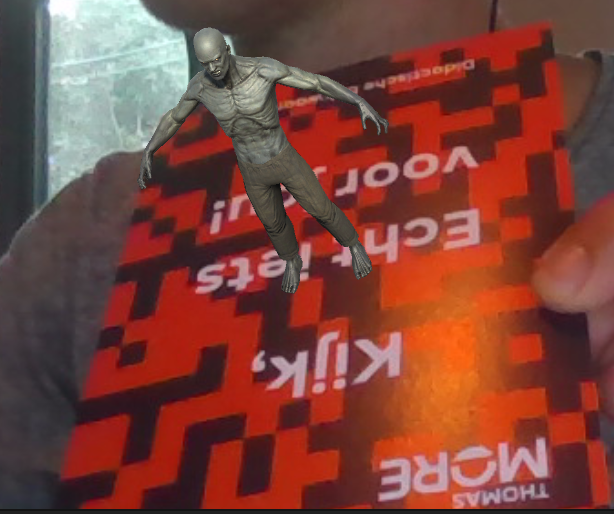
Single image tracking
Less than 1 minute
Single image tracking
- Take a picture of something you want to track and save it on your device (Office Lens is a great tool!)

- Create a new database on the Vuforia developer website
- Generate Database
- Name
- Device (Cloud and VuMark are also possibilities)
- Create
- Select database in the table
- Add Target
- Type: Image
- Upload image file
- Width (in meters --> 10 cm: 0.10m)
- This will look very small in unity!
- 5 is a good choice
- Add
- Refresh page to see the actual status (Processing --> Active) + Quality of the image
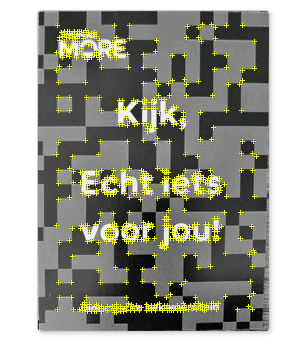
- Open image - Show Features to see the yellow points = representation of how well the image will be recognised
- Select database, download database, Unity Editor
- Double click unitypackage while vuforia unity project is open
- Import
Image target in unity
- Hierarchy: Add Vuforia Engine/Image Target
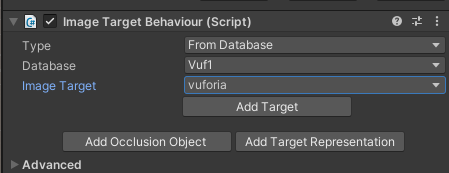
- Inspector: Image Target Behaviour (Script), Type: From Database - Select Database
- Image target : image that should be recognized
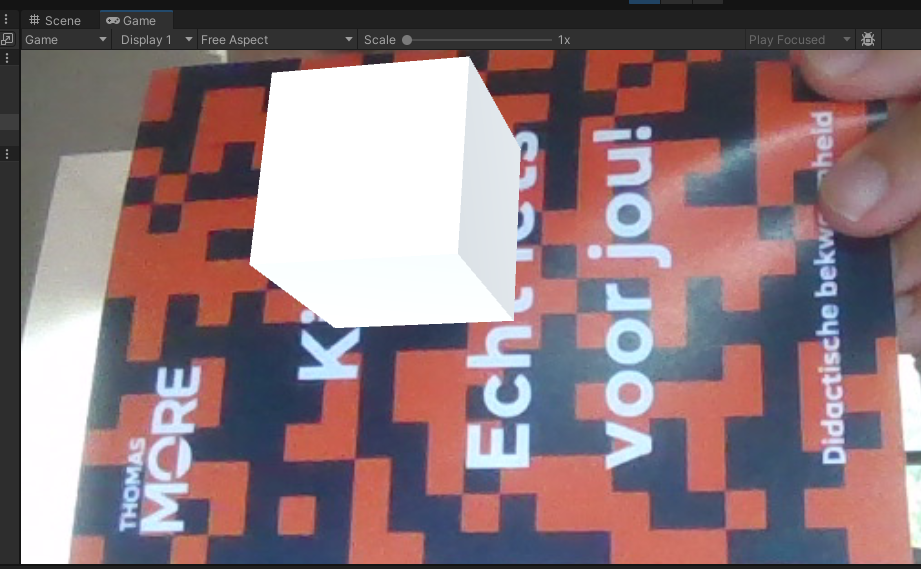
- Add a cube and position it on top of the image (floating above)
- Make the cube a child of the image target
- Save, play, and show the image in front of your webcam!
Unity Asset Store
- Replace the cube with a 3D model from the Unity Asset Store
- Filter Price: Free
- I took the Zombie
- Add to My Assets - Accept agreements
- Unity: Windows - Package Manager - Download Zombie - Import
- Import Zombie
- Project Panel - Assets: Zombie folder
- Navigate in Zombie folder to FBXs and drag a Zombie (I selected Zombie1) in the Hierarchy panel
- Delete the cube
- Position/Scale the zombie and make it a child of the ImageTarget